
By CareMotion · Ergonomics & Posture
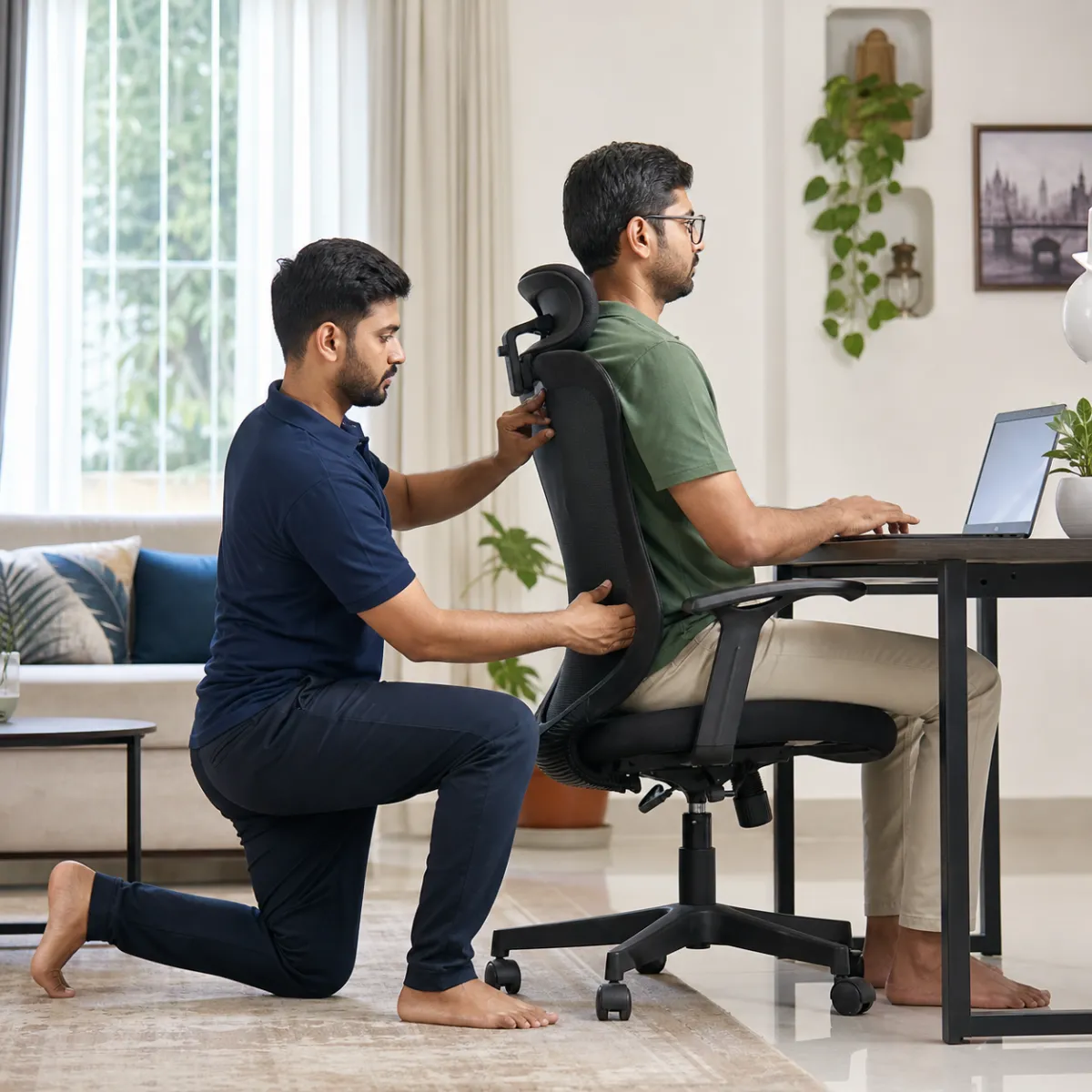
The Biomechanical Cost of Improvised Work-From-Home Desks
Since the expansion of hybrid work in Kolkata's IT sectors (Salt Lake Sector V, New Town), many professionals spend 8 to 12 hours daily working on laptops from dining tables, beds, or soft living room sofas.
Laptops force a devastating ergonomic compromise: because the screen and keyboard are attached, either your screen is too low (forcing neck flexion and 'tech neck'), or your keyboard is too high (forcing shoulder shrugging and wrist extension).
- Forward head posture: Every inch your head leans forward adds an extra 4.5 kg of mechanical weight on cervical neck muscles.
- Slumped lumbar spine: Flattens natural lordosis, increasing intradiscal pressure by over 140% compared to standing.
- Carpal tunnel and cubital tunnel compression from resting wrists on sharp table edges.
The 90-90-90 Ergonomic Rule for Desk and Chair Setup
An ergonomic workstation supports the body in neutral anatomical alignment. The fundamental standard is the '90-90-90 Rule': elbows at 90 degrees resting level with the desk, hips at 90-100 degrees, and knees at 90 degrees with feet resting flat on the floor.
If your feet do not touch the floor when your chair is adjusted for desk height, use a firm footrest or stack of books to support your feet, preventing pressure on the back of your thighs.
- Monitor Height: The top third of your screen should align with your natural eye level when looking straight ahead.
- External Keyboard and Mouse: Elevate your laptop on a stand or stack of books, using separate external peripherals at desk level.
- Lumbar Support: Place a firm cylindrical pillow or rolled towel behind the small of your lower back to maintain natural lordosis.
The 20-20-20 Rule and Movement Breaks in Kolkata
Even the world's most expensive ergonomic chair will cause pain if you remain motionless for hours. The human body is designed for frequent posture changes. Adopt the 20-20-20 rule: every 20 minutes, look at an object 20 feet away for 20 seconds, and stand up.
CareMotion physiotherapists provide in-home ergonomic audits and posture rehabilitation across Kolkata, evaluating your desk setup and prescribing corrective spinal exercises.
- Perform 5 chin tucks and 5 chest-opening doorway stretches every hour during the workday.
- Stand up during phone calls and pacing meetings to break prolonged sedentary sitting.
- Ensure adequate task lighting that eliminates screen glare and eye-straining reflections.
General information to help you plan a visit. Individual assessment and your treating team's advice guide rehabilitation decisions.